
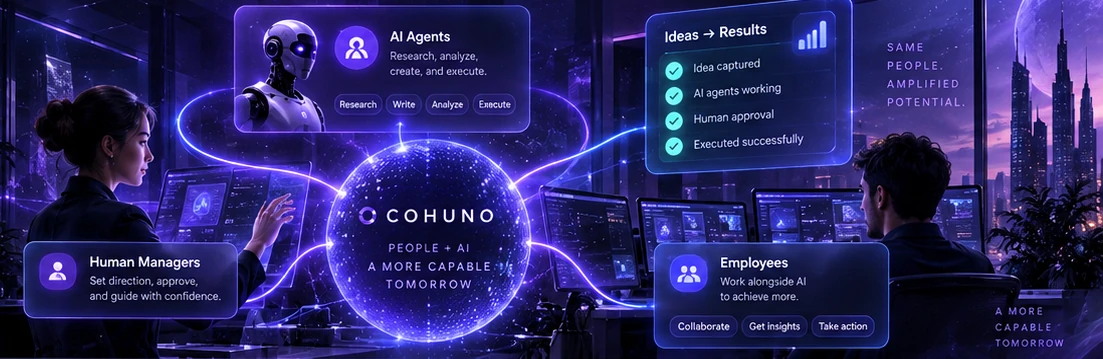
CohunoAI orchestration
Cohuno support

Send a message through a verified channel.

Tell us what you need, then confirm the one-time code sent to your email. Your support case opens only after the address is verified.

Verified before the case opensThe email challenge reduces impersonation and accidental requests.
Never include secretsDo not send passwords, API keys, access tokens, or provider credentials.
Keep your case numberSuccessful verification returns the reference for your request.

Verified support

Send Cohuno a message

DetailsVerifyReceived
Email verification is requiredYour request opens only after the one-time code is confirmed.
Before you send

Give support enough context to route the request.

  • Name the affected area, such as Builder, Runs, Tools, Knowledge, Models, Balance, or Account.
  • Use an email address you can verify and monitor for the reply.
Security note

Report the situation, not the credential.

Describe what you observed and when it happened. Remove secrets and sensitive workspace content before including logs or examples.

The form does not promise a response time or emergency service level.